OTA AT Examples
This document describes detailed examples of running Basic AT Command Set commands on the device.
Wi-Fi Module OTA Upgrade
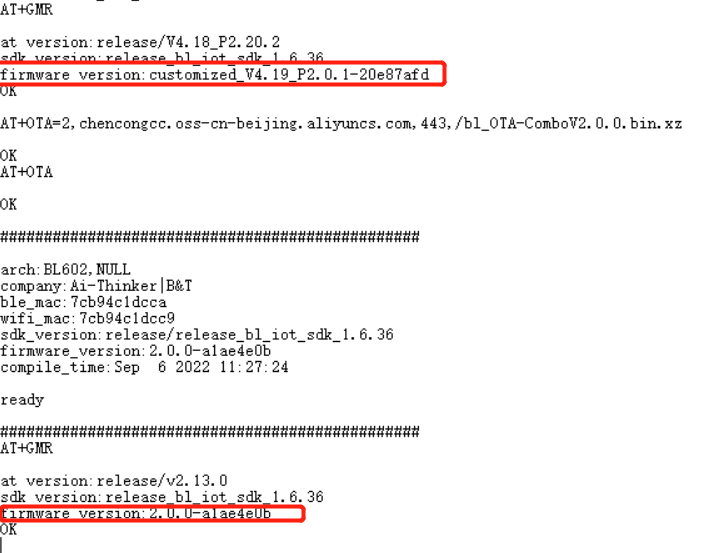
Set the module Wi-Fi operating mode and save to Flash
Command:
AT+WMODE=1,1
Response:
OK
Configure network connection with a Wi-Fi SSID and password that has Internet access
Command:
AT+WJAP="Wi-Fi 名称","Wi-Fi 密码"
Response:
+EVENT:WIFI_CONNECT

OK
Set firmware upgrade method and firmware URL
Command:
AT+OTA=2,chencongcc.oss-cn-beijing.aliyuncs.com,443,/bl_OTA-ComboV2.0.0.bin.xz
Response:
OK
Start upgrade
Command:
AT+OTA
Response:
OK
Demo
BLE TB Series Module OTA Upgrade
App download:
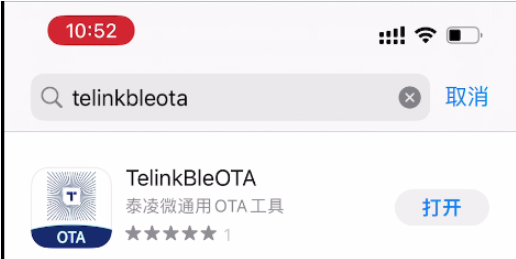
On iOS, search for TelinkBleOTA in the App Store.
Android APK download: Mobile APK package
OTA firmware download: OTA firmware file
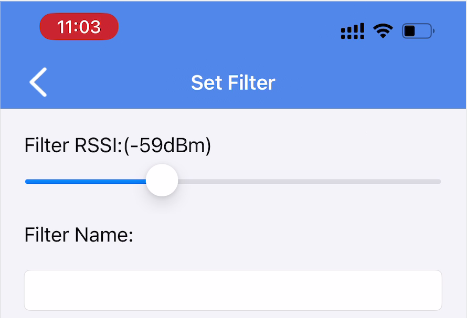
Open TelinkBleOTA, set Filter to limit RSSI to within 60 dBm, return to the main screen, tap Refresh, and find the target BLE device.
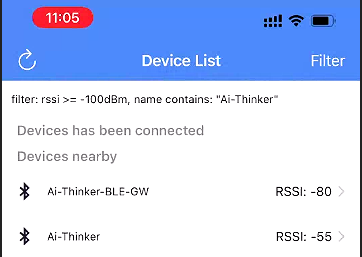
After finding the device, tap CONNECT. The module prints +BLE_CONNECTED when the app connects successfully.
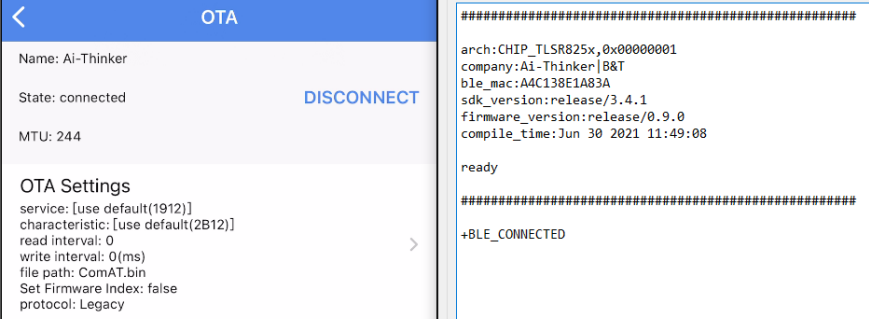
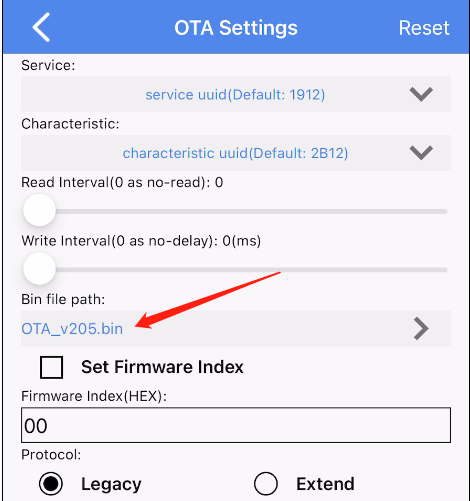
Tap OTA Settings and open Bin file path to view the OTA file. Tap the exclamation mark in Choose Bin File for import instructions.
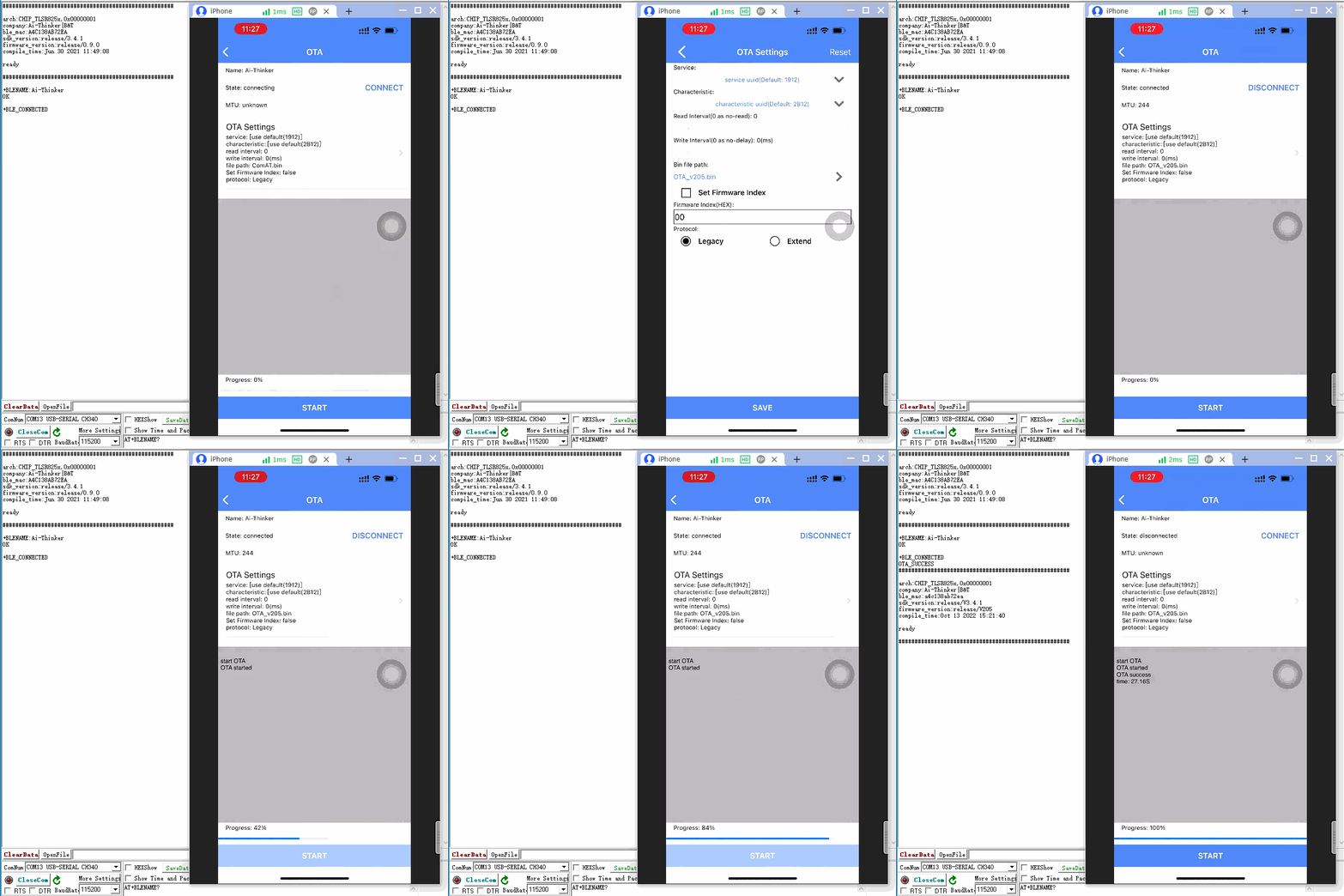
After selecting the OTA file, tap START. When the progress bar reaches 100%, the module returns OTA_SUCCESS, reboots, and prints the new version indicating success.
BLE PB Series Module OTA Upgrade
App download:
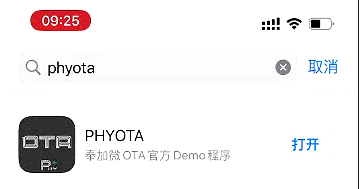
On iOS, search for PHYOTA in the App Store.
Android APK download: Mobile APK package
OTA firmware download: OTA firmware file
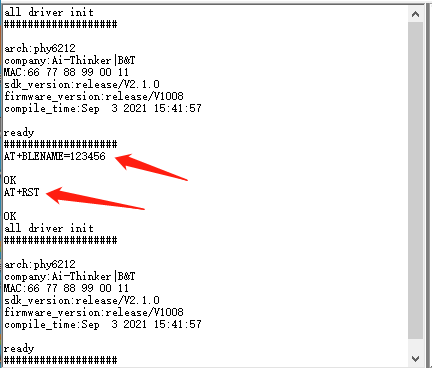
For testing, send AT+BLENAME=123456 and AT+RST to set the broadcast name to 123456, then open PHYOTA to scan.
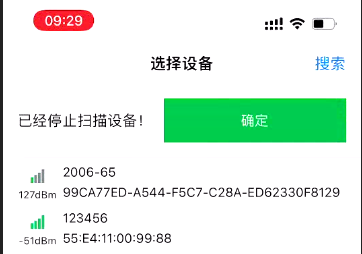
Find the device named 123456, tap Stop (top right), select it, tap OK to enter the OTA screen.
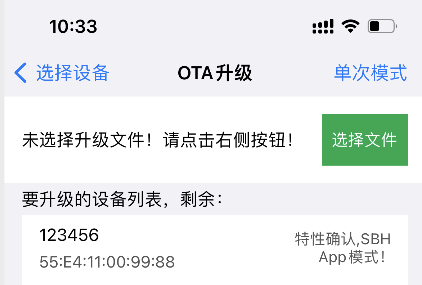
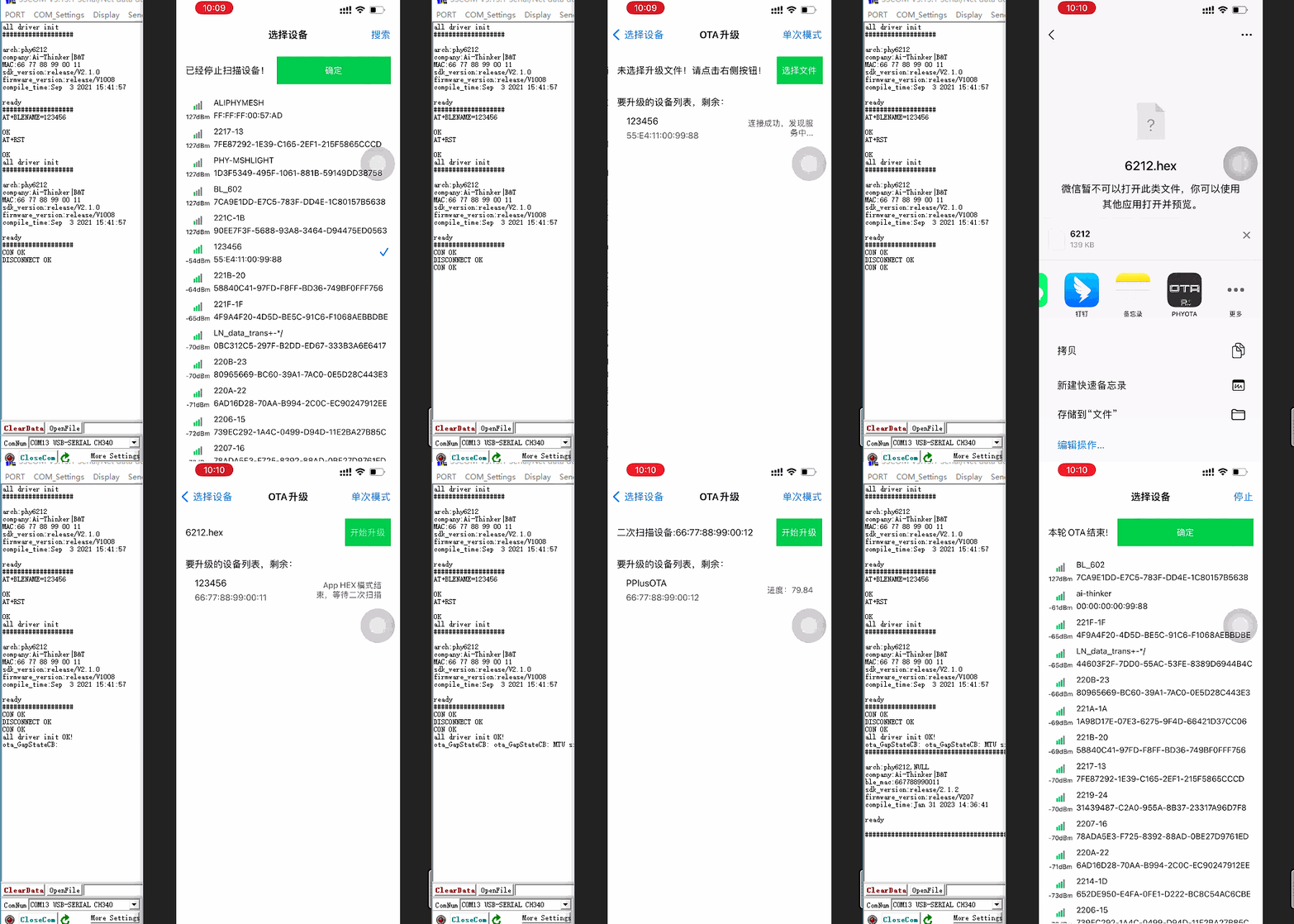
Tap Select File. If empty, share the OTA file via WeChat or QQ, open the hex file with PHYOTA, select the HEX file, then tap Start Upgrade.